Cybersecurity in the Classroom: Protecting Students Online"
30 July 2026
Let’s face it—kids today are growing up in the digital age. From Google Classroom to virtual field trips, modern education is deeply entwined with the internet. While that's amazing in many ways, it also opens the door to a world of digital threats. That's where cybersecurity in the classroom comes in.
But what does cybersecurity in schools actually look like? Who's responsible for it? And how can we create safe online spaces where students can thrive without constant fear of being tracked, hacked, or manipulated?
Pull up a chair, grab your favorite coffee (or tea), and let’s dive deep into the world of digital safety — classroom style.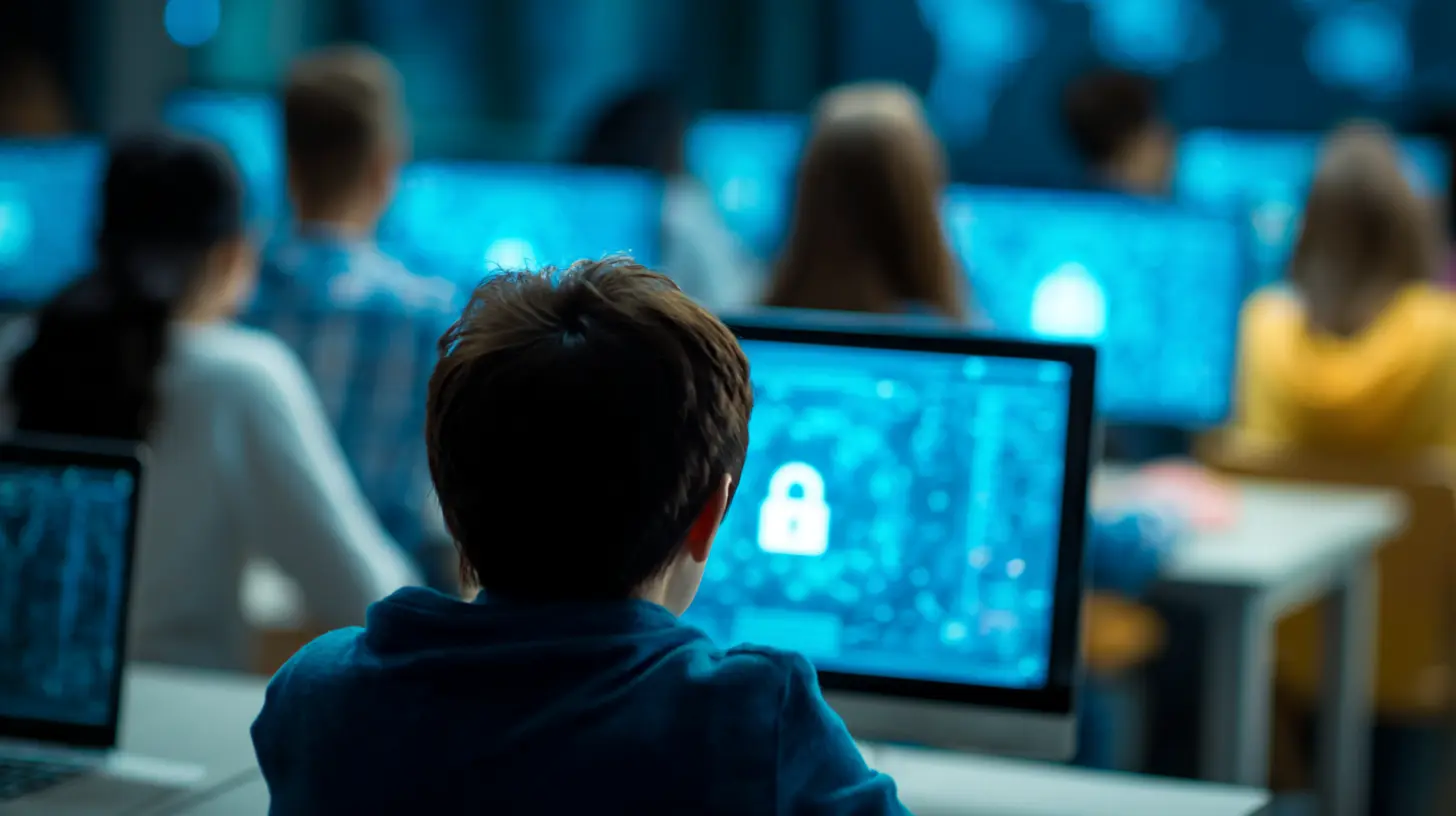
Why Cybersecurity in Education Matters More Than Ever
Here’s the deal: schools are prime targets for cybercriminals. Why? Because they collect massive amounts of sensitive information — think student IDs, addresses, medical records, grades, and even financial data related to lunch balances or tuition payments.Now, imagine that falling into the wrong hands. Not a pretty picture, right?
And it’s not just about stolen data. Cyberbullying, phishing attacks, ransomware, and inappropriate content can also wreak havoc if schools don’t put proper protections in place. The more we rely on online tools, the more doors we unintentionally leave open.
A Real-Life Example (That Might Shock You)
In 2020, a school district in Nevada was hit with ransomware. When the district refused to pay the ransom, hackers responded by leaking sensitive student and employee information online. Yep, straight onto the dark web.This sort of thing isn't a fluke. It’s becoming more and more common.
So, what can schools, teachers, parents, and even students do to stay safe?
The Digital Risks Lurking in the Classroom
Before we talk fixes, we’ve got to understand the threats. Think of it like knowing where the potholes are before you hit the road.1. Data Breaches
Schools store tons of data, and unlike big corporations, they often lack the budget or resources to implement top-of-the-line cybersecurity systems. This makes them an easy target for hackers.2. Ransomware Attacks
Hackers sneak into school networks and lock down data with encryption. The hook? You’ve got to pay a ransom to get it back. It’s like your data got kidnapped.3. Phishing Scams
We’re talking about sneaky emails or messages that trick users into clicking malicious links or sharing info. You might think only adults fall for it — but kids, especially younger ones, are even more vulnerable.4. Inappropriate Content
Without proper filters in place, students can stumble across — or worse, be sent — harmful or explicit content. It’s like letting them explore the internet without a seatbelt.5. Cyberbullying
Digital communication tools like chatrooms, educational forums, and even school-hosted social networks can become feeding grounds for cyberbullying if not monitored.
Educators on the Frontlines: What Teachers Can Do
Teachers aren’t just instructors anymore — they're digital gatekeepers. That may sound daunting, but they don't have to go it alone.Here are some manageable, actionable steps teachers can take:
1. Teach Digital Citizenship
Start with the basics. Make sure your students understand how to behave responsibly online. That means respecting others, thinking critically about what they share, and knowing how to spot red flags.You wouldn’t send a kid into traffic without teaching them to look both ways first, right?
2. Use Secure Platforms Only
When choosing edtech tools, always check for privacy policies and security standards. Look for platforms that are FERPA and COPPA compliant. (Translation: They follow federal rules that protect student data.)3. Strong Password Culture
Teach students to avoid obvious passwords like “123456” or “password.” Even better, use password managers or two-factor authentication (2FA). It’s like adding an extra lock on your digital door.4. Keep Software Up to Date
Those update reminders? They’re not just annoying popups — they’re patches for known security flaws. Make sure classroom devices are regularly updated. If your school has an IT team, coordinate with them.
Empowering Students to Protect Themselves
Kids are smarter than we often give them credit for, especially when it comes to technology. It's time to put that know-how to good use.1. Make Cybersecurity Part of the Curriculum
We teach kids how to do long division and write persuasive essays — why not teach them how to stay safe online? Cybersecurity basics can be woven into digital literacy lessons or even gamified through interactive learning platforms.2. Encourage Safe Sharing Habits
Teach students to think twice before posting anything online — even in a "private" group. Once something’s out there, it’s almost impossible to take back. It’s the internet’s version of permanent marker.You can use analogies like: “If you wouldn’t want Grandma to see it, don’t share it.”
3. Identify Trusted Adults
Create a classroom culture where students feel safe reporting anything suspicious — whether it’s a weird email or a mean message. Let them know you’re not snooping; you’re safeguarding.The Role of School Administrators
School leaders hold the keys to the kingdom — budgets, district-wide policies, and IT infrastructures.1. Investing in Security Infrastructure
This isn’t optional anymore. Firewalls, antivirus software, intrusion detection systems — these are the digital equivalent of security cameras and alarm systems.Yes, it costs money. But cutting corners here can lead to even costlier breaches.
2. Staff Training
Hold regular cybersecurity workshops not just for teachers, but for the entire staff — including admin and support teams. Every staff member with access to the school's network is a potential entry point for attackers.3. Incident Response Plans
Have a “what-if” plan. If there’s a data breach or cyberattack, everyone should know what to do. Create a checklist, assign roles, and practice scenarios like you would for a fire drill.Parents as Digital Partners
We can’t forget the home front. When students log on from home, especially in remote learning setups, the school’s firewall isn’t protecting them.1. Monitor Devices and Screen Time
This doesn’t mean spying. It means making sure your kids are using legitimate platforms and not clicking around aimlessly. Use parental controls, yes — but also have regular conversations.2. Keep Devices Updated
Install those software updates, even when it's inconvenient. Hackers love to exploit outdated systems.3. Promote Open Dialogue
Create a safe space where kids feel comfortable talking about what they’re encountering online. If they don’t feel judged, they’re more likely to open up about what’s really going on.Cybersecurity Tools Schools Should Be Using
Here are some top tools that schools can use to tighten up their cyber defenses:- Content Filters: Prevent access to sites containing adult content, malware, or distractions.
- Firewalls: Act as a barrier between your school’s network and external threats.
- Antivirus Software: Detect and remove malicious software.
- Monitoring Solutions: Tools like GoGuardian or Bark can help teachers oversee student activity without invading privacy.
- Secure Wi-Fi Networks: Password-protected, encrypted connections are a must.
Future-Proofing Cybersecurity in the Classroom
Technology is evolving fast, and so are cyber threats. Schools need to be just as agile.1. Stay Informed
The cybersecurity landscape changes constantly. Subscribe to newsletters, attend webinars, or connect with other educators online to stay ahead.2. Involve Students in the Solution
Consider starting a “Cyber Club,” where students learn and even teach peers about safe digital practices. It empowers them and sharpens their tech-savvy skills.3. Foster a Culture of Vigilance
Make cybersecurity part of the everyday school conversation — not just something that comes up when there’s a problem. The more normalized it becomes, the stronger your defenses will be.Wrapping It Up
Cybersecurity in the classroom isn’t just a “tech problem” — it’s an educational necessity. It's about safeguarding student information, promoting responsible digital citizenship, and creating a safe space for learning in a connected world.Remember: just like we wouldn’t let kids run into traffic without teaching them how to cross the street, we shouldn't let them into the online world without showing them how to navigate it safely.
So whether you're a teacher, parent, or school leader, your role in cybersecurity matters — a lot.
Better safe than sorry, right?
all images in this post were generated using AI tools
Category:
Classroom TechnologyAuthor:

Olivia Lewis