How to Use Online Simulations to Teach Real-World Skills"
18 July 2026
Let’s face it — teaching real-world skills can be tough. Reading about something in a textbook is one thing, but actually doing it? That’s a whole other ballgame. That’s where online simulations step in and totally change the game.
Imagine you're a pilot in training. Would you want your first flight to be 30,000 feet in the air with hundreds of passengers aboard? Nope! That’s why aviation has been using flight simulators for years. Now, that same idea is making waves in classrooms and training sessions across all kinds of fields — from healthcare to business to engineering, and even soft skills like communication and leadership.
Online simulations are like the dress rehearsal before the big show. They’re safe, interactive, and ideal for making mistakes without real-world consequences. In this article, we’ll break down how you can use online simulations to teach real-world skills effectively — while keeping your learners engaged and motivated.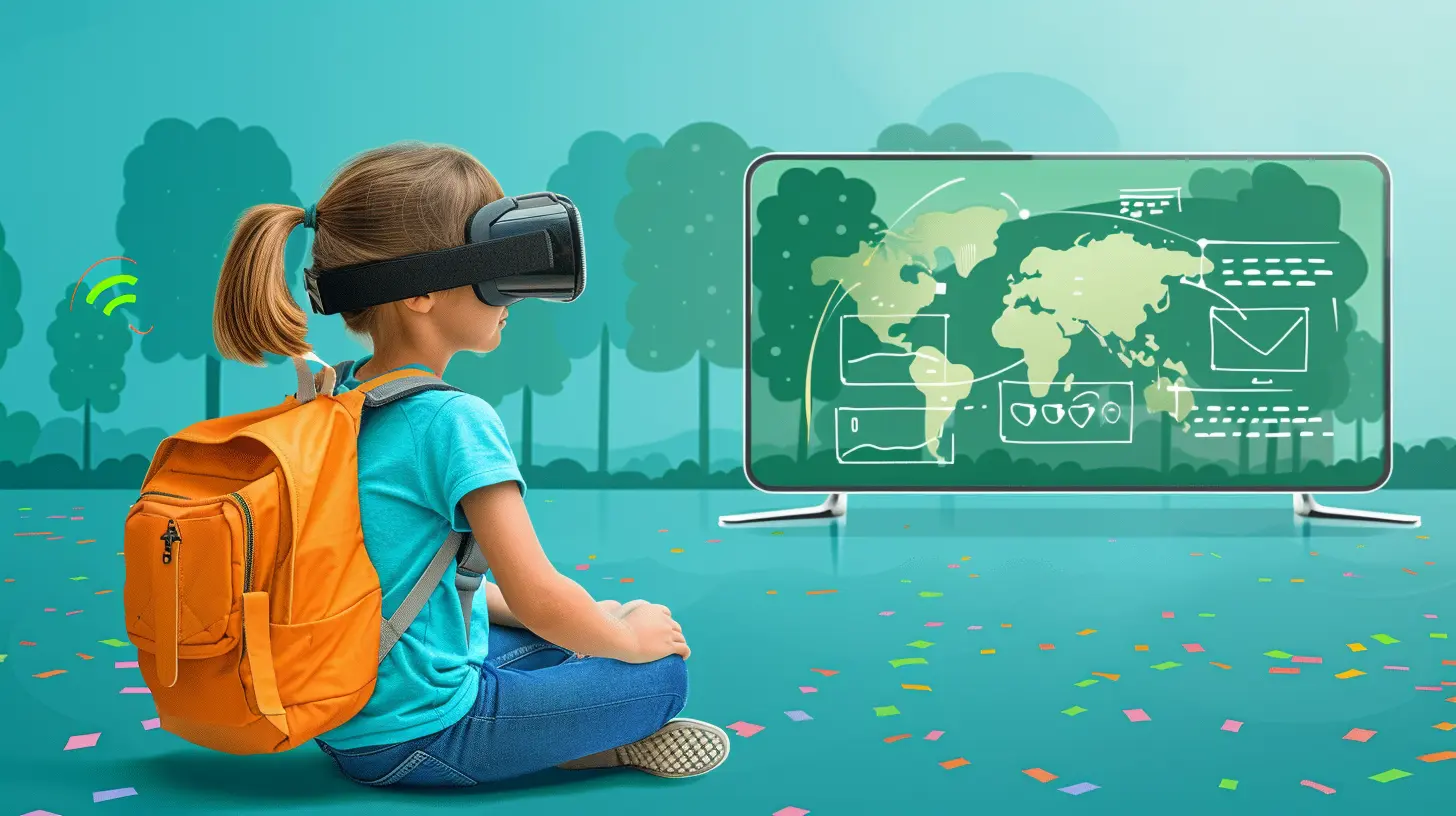
What Exactly Are Online Simulations?
Let’s start with the basics.Online simulations are digital training environments where learners can engage with realistic scenarios that mimic real-life jobs or tasks. Think of it as a “choose your own adventure” but for learning.
They’re not just videos or slideshows. These simulations are interactive, often using decision-making branches, gamification, and even virtual reality to immerse the learner. Whether it’s performing surgery virtually, managing a team, or solving engineering problems — simulations bring abstract concepts to life.
Key Features of Online Simulations:
- Real-life scenarios that mimic actual job situations- Active decision-making, allowing learners to choose actions and see outcomes
- Instant feedback for reinforcing learning
- Safe practice environment where errors are risk-free
- Scalable and accessible, often available 24/7 online

Why Real-World Skills Matter More Than Ever
You’ve probably heard the phrase “skills gap” thrown around a lot. It’s not just buzz. Many employers today say that while candidates may have the degrees, they often lack the practical skills needed on the job.That’s where online simulations shine. They help learners not just understand a concept but apply it — which is exactly what employers are looking for.
Whether it’s learning how to handle a customer complaint, using a piece of machinery, or making data-driven business decisions, simulations help bridge the gap between theory and real-life execution.
The Benefits of Teaching with Simulations
1. Makes Learning Stick
Let’s be honest: how much do you remember from those long lectures or reading materials? Not much, right?Simulations get learners involved. They're hands-on, dynamic, and memorable. When students learn by doing, they retain information better. That’s not just a hunch — it's backed by science. The experiential learning model shows that people remember up to 90% of what they do, compared to just 10% of what they read.
2. Builds Confidence Through Practice
Would you rather learn how to perform CPR from a textbook or by actually practicing in a risk-free setting? Yeah, us too.Simulations remove the fear of failure. Learners can try again, explore different outcomes, and build confidence before applying skills in high-stakes situations.
3. Offers Instant Feedback
In traditional education, students often wait days or weeks for feedback. In simulations? It’s immediate. You make a decision, and you see the result — good or bad — right away. That kind of feedback loop turns mistakes into teachable moments, fast.4. Provides Scalable, Flexible Learning
Whether you're training five employees or five hundred, simulations can scale easily. They’re also often accessible anytime, anywhere — perfect for remote or hybrid learning environments.
Real-World Applications of Online Simulations
Let’s bring this to life with a few examples.1. Healthcare Training
Online simulations in healthcare allow nursing and medical students to diagnose patients, interpret symptoms, and even "perform" surgeries — all without harming a soul. It’s a safe space to make decisions and learn from them.2. Business & Management
Business students can enter simulation environments that let them run a virtual company. Decisions around finance, marketing, hiring, and strategy all play out in real time — showing learners how their choices impact success.3. Engineering & Technical Skills
From building bridges to troubleshooting complex machinery, simulations let engineering students apply their knowledge in virtual labs where they can test variables without blowing anything up.4. Soft Skills Training
Yes, even non-technical skills can be taught using simulations. Think of conflict resolution, negotiation, leadership, or emotional intelligence. Interactive role-play scenarios help learners navigate uncomfortable conversations and become more self-aware.Best Practices for Using Online Simulations in Teaching
So, how do you actually implement simulations into your teaching strategy without feeling overwhelmed?1. Set Clear Learning Objectives
Before diving into a simulation, define what skill or concept you want learners to grasp. Is it decision-making? Communication? Technical know-how?Having focused outcomes helps you pick the right simulation — and keeps learners on track.
2. Choose the Right Simulation Tool
There’s a sea of options out there. Some are plug-and-play, while others let you build custom simulations from scratch.Popular platforms include:
- Labster (science virtual labs)
- SimVenture (business simulations)
- Kognito (soft skills and communication training)
- VirtualSpeech (public speaking in VR)
Pick one that aligns with your goals, budget, and technical ability.
3. Integrate with Other Learning Methods
Simulations work best as part of a blended approach. Pair them with reading materials, lectures, quizzes, or group discussions to offer a well-rounded experience.Think of the simulation as the “lab” where students apply what they’ve learned.
4. Encourage Reflection
Just completing the simulation isn’t enough. Ask learners to reflect on their choices:- What worked?
- What would they do differently?
- How can they apply this to real life?
Reflection turns experience into insight — and that’s where real growth happens.
5. Keep It Adaptive
Not all learners are the same. Look for simulations that adapt based on user choices or skill level. Adaptive simulations keep learners in the “challenge zone” — not too easy, not too hard, but just right to keep them engaged.Common Challenges (And How to Deal With Them)
Let’s be real: no method is perfect. Here are some hurdles educators face when using simulations — and how to leap right over them.1. Tech Issues
Simulation platforms may require specific software, devices, or internet speeds. Make sure your learners can access the tools needed, or provide alternatives if needed.2. Steep Learning Curve
Some simulations can feel intimidating at first. Offer intro tutorials or guided walkthroughs to ease learners in.3. Cost
While some high-quality platforms aren’t free, many offer educational discounts or flexible pricing. If budget is tight, look into open-source or lower-cost options.4. Assessment Longing
Worried about grading? Some platforms include analytics dashboards so you can track progress, decisions, and scores. You can even use simulation outcomes as part of a performance-based assessment.Tips for Making Simulations Fun and Engaging
Okay, now for the fun part. How do you make sure your learners actually enjoy using simulations?Here are a few quick tips:
- Gamify it – Add badges, timers, or point systems.
- Create team challenges – Let small groups tackle simulations together.
- Add storytelling – A compelling backstory makes simulations much more engaging.
- Use visuals – Visually rich environments capture attention better than bland interfaces.
- Reward creativity – Some learners will go through simulations in unexpected ways. Celebrate it!
Remember: even a virtual world can feel boring if it’s not designed with the learner in mind.
Final Thoughts
Online simulations aren’t just a cool new tech toy — they’re a genuinely powerful way to teach real-world skills in a meaningful, memorable way.They allow learners to practice, make mistakes, and grow — all within a safe space that mirrors the real world. Whether you’re teaching aspiring doctors, future CEOs, or tomorrow’s engineers, simulations offer an interactive, effective, and future-ready learning experience.
So, if you haven’t dipped your toes into the simulation waters yet, now’s the perfect time to start. Your learners (and future employers) will thank you.
all images in this post were generated using AI tools
Category:
Classroom TechnologyAuthor:

Olivia Lewis